Connect AI tools through MCP
Let compatible AI clients read existing work and save progress within the permissions you grant.
On this page
Add a connection in a compatible client
Use a client supporting remote HTTP MCP and OAuth. Add this TodoNote server URL in its MCP settings:
https://web.todonote.app/api/mcpReview read or write permissions
Read-only access allows viewing tasks, tags, and notes. Creating tasks or modifying records requires the corresponding write authorization.
Check the client name and permissions before allowing access. See Security & data access.
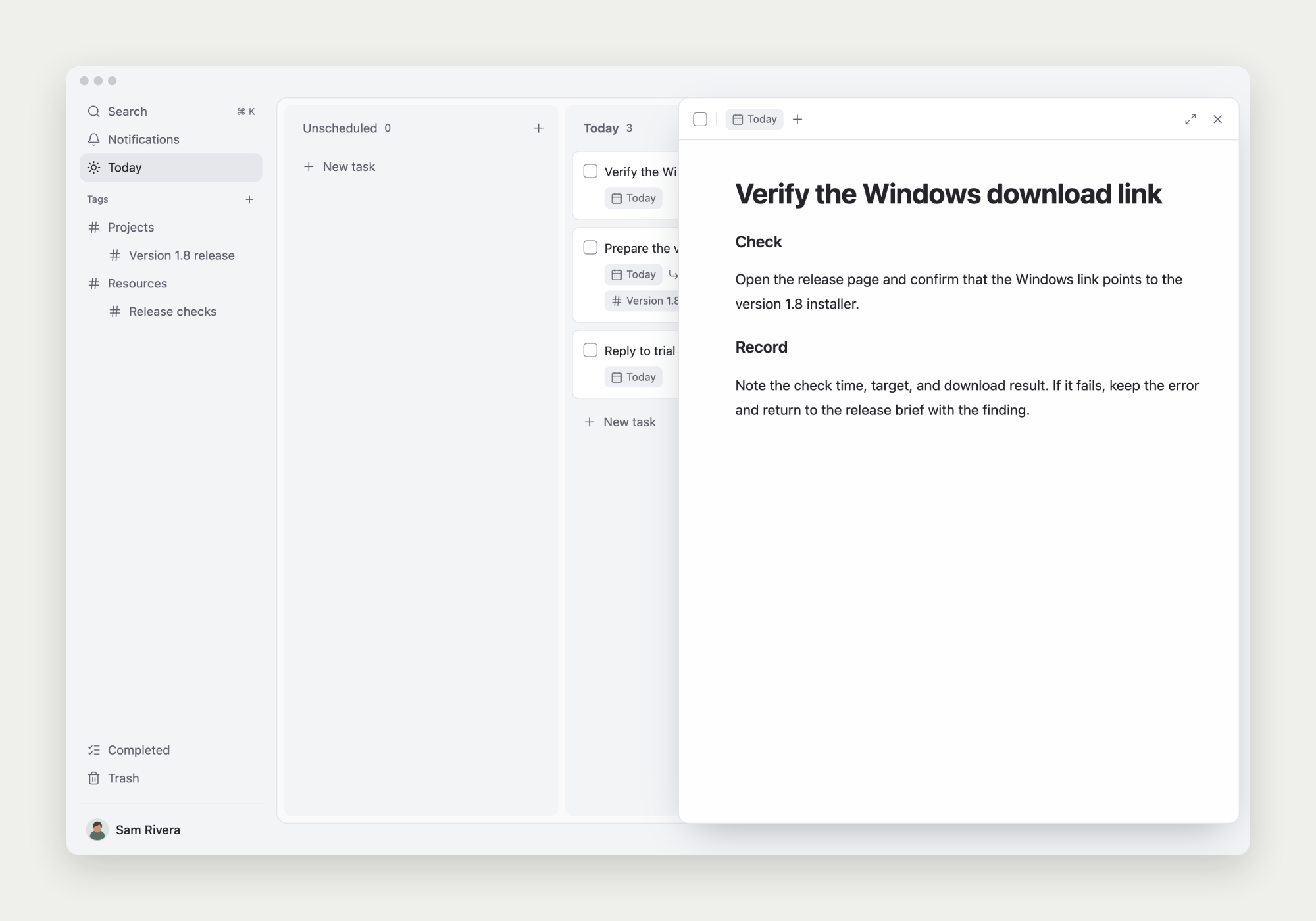
Find the task, then read its note
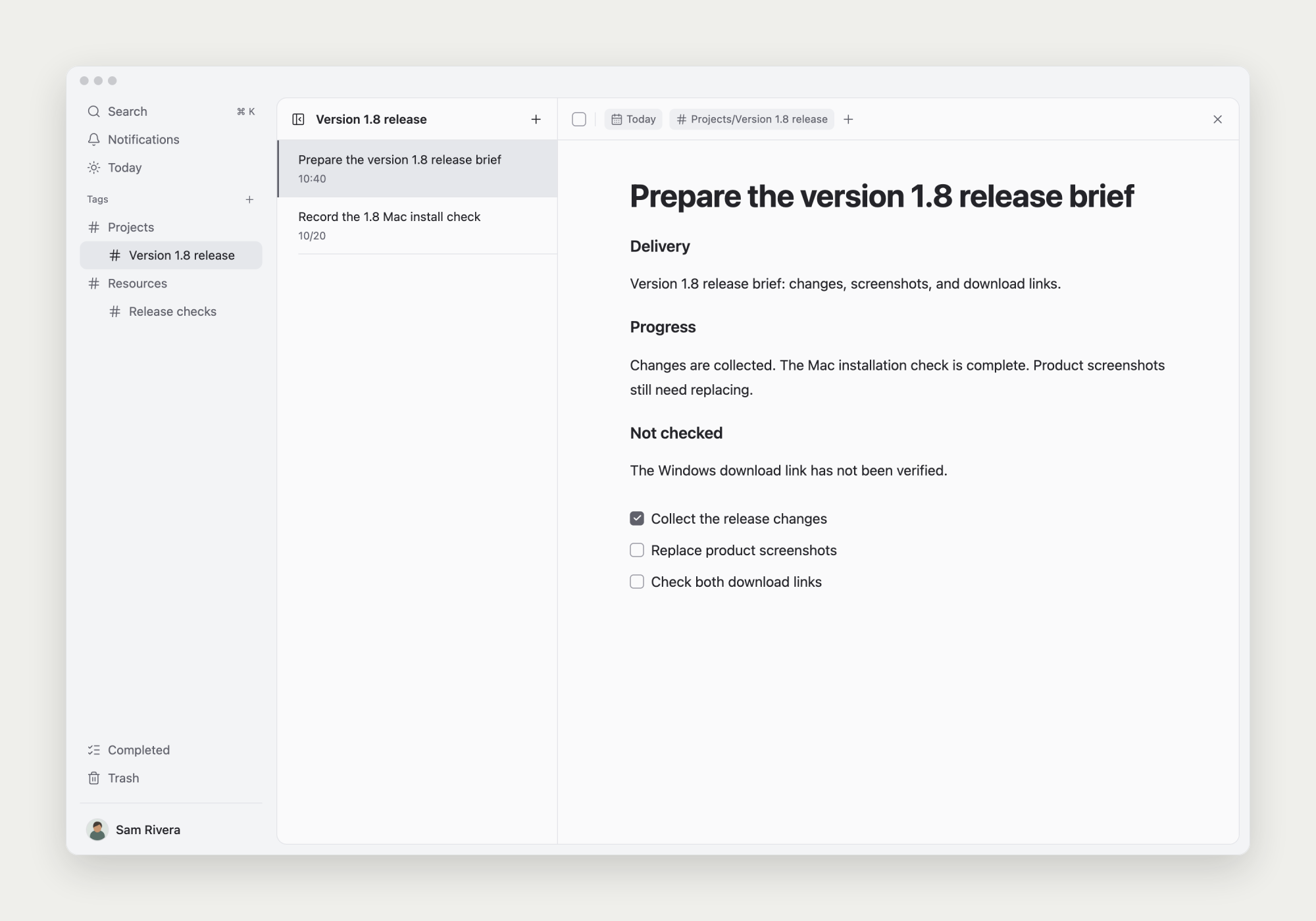
Ask AI to search task titles, locate the work, and read its task information and note. For example: ‘Find the release check task, read its progress, and list unresolved items.’
Task search matches titles. To understand the body, the client must read the note; a title search does not read all materials.
Review the result before saving it
Check the reasoning and next steps before asking the client to update the task or create subtasks. State actual start dates and deadlines when scheduling.
The note-writing tool replaces the whole document. Read the full current note first, preserve needed content, and submit a complete updated version.
Find ‘Product release checks’ and read its task details and current note.
Summarize completed work, open questions, and suggested next steps for my review.
After confirmation, update the original note while preserving its materials and decisions.