Organize and retrieve work with tags
Give related tasks a shared entry point so their useful records stay easy to find.
On this page
Create the tags you need
Use the add button beside Tags in the sidebar. Start with a topic you’ll actually look for, such as ‘Product page redesign’, ‘Project meetings’, or ‘User research’.
Add child tags from an existing tag’s menu when needed. Use the reorder action to arrange tags and their hierarchy, then save.
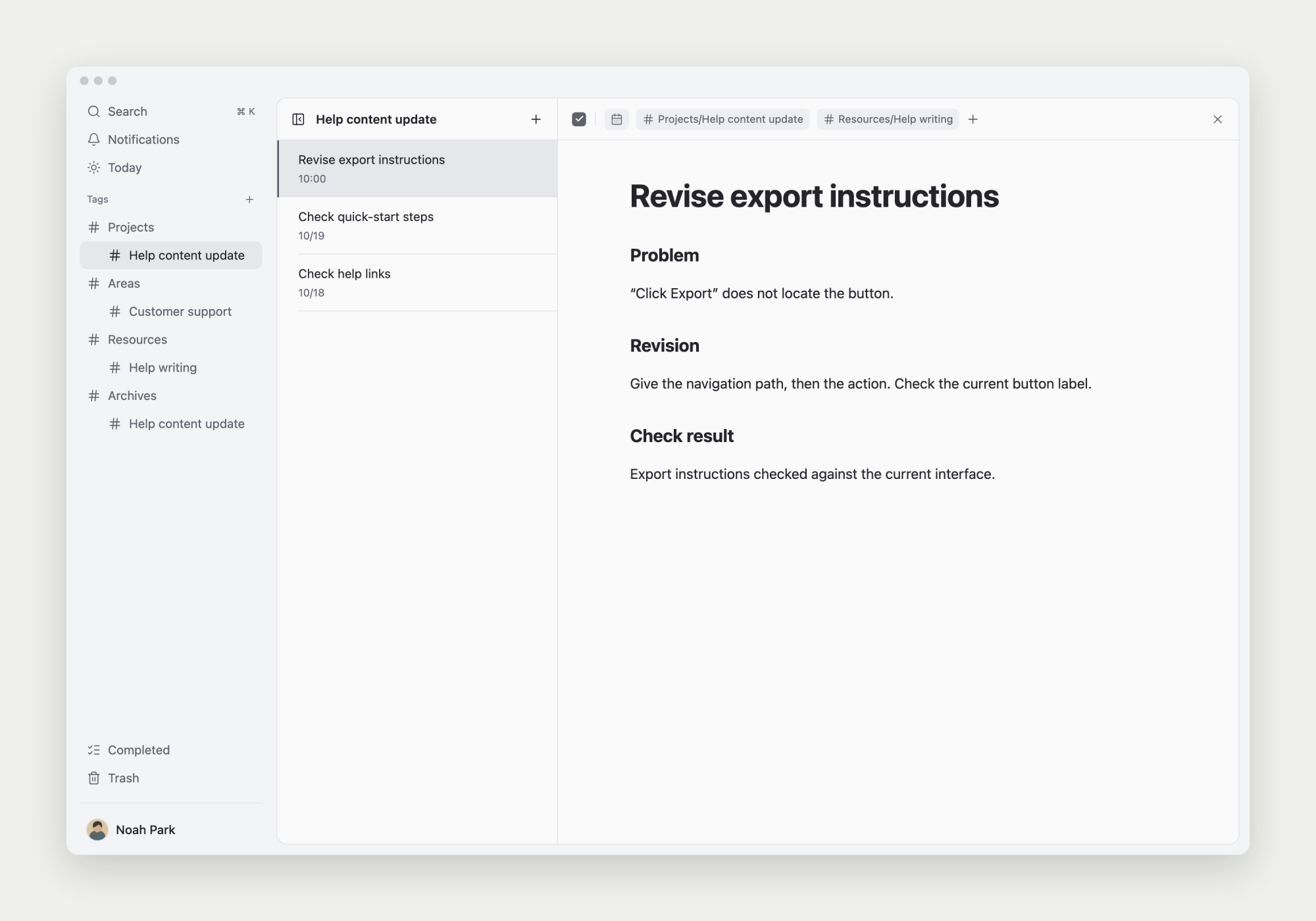
Add tags to a task
Choose existing tags from the task’s tag control. A task can have several tags when it belongs to multiple topics.
A product review could have both a project tag and a ‘User research’ tag for findings you’ll reuse.
Open related records through a tag
Choose a sidebar tag, then open a task to read its note. Tags also help retrieve useful completed work.
Tag content you expect to need again. One clear topic is enough to start; a full classification system can wait.
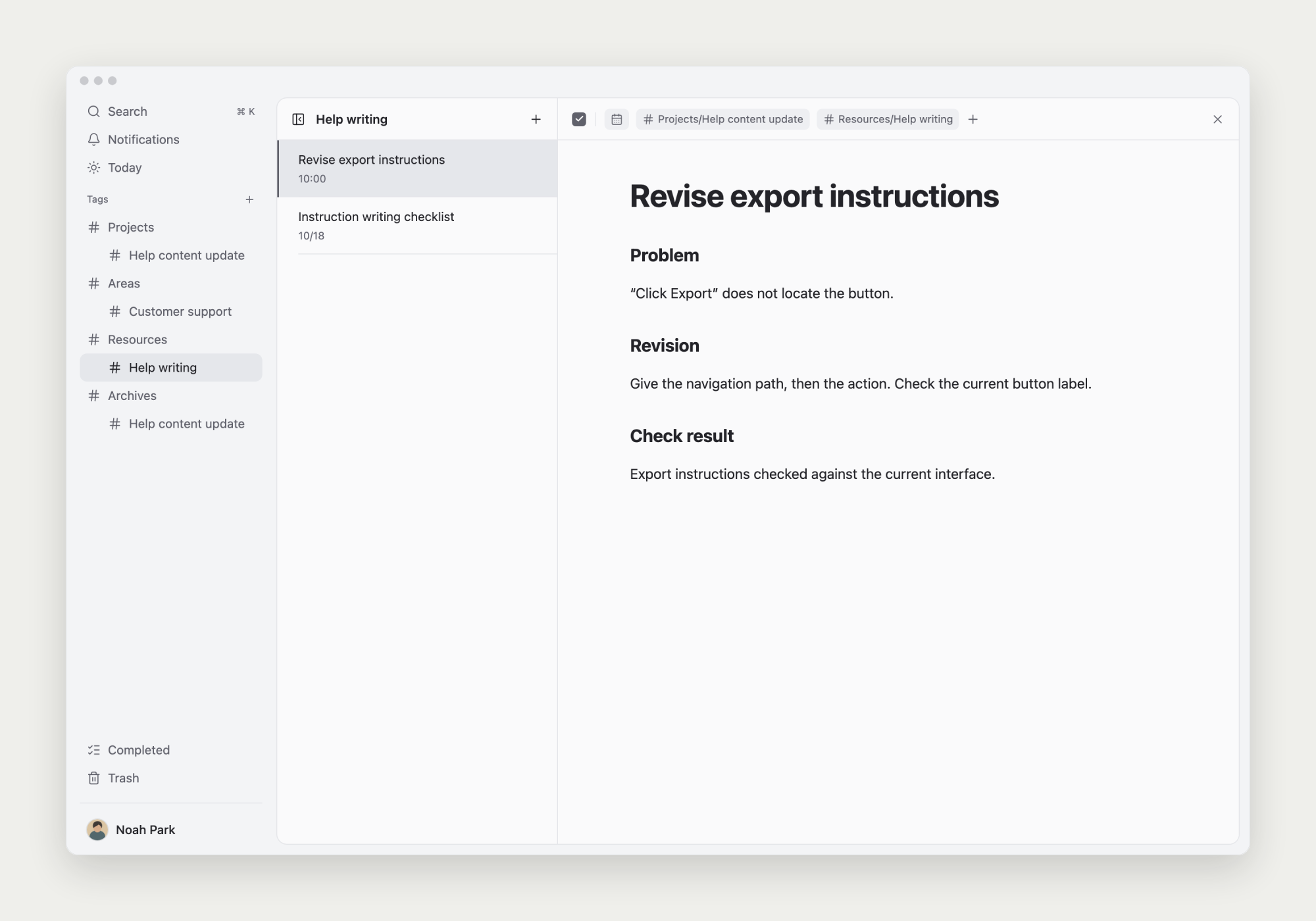
Change or delete tags
You can rename tags, change their hierarchy, or delete them. Deleting a tag does not delete its tasks or notes.
Deleting a parent tag can also affect its child tags. Read the confirmation to check the scope.