Review this week and plan the next
Use completed tasks and working notes to decide what to continue, change, or do first next week.
On this page
Create a review task
Create ‘Weekly work review’. Use Completed and project tags to check actual results against the week’s work.
For a regular review, use Integrations → Recurring tasks, choose Weekly and a weekday, and save the outline as a template. Each occurrence keeps a separate record. See Recurring tasks.
Point conclusions to real records: ‘Registration page delivered; confirmation email still needs checking’ is more useful than ‘Good progress’.
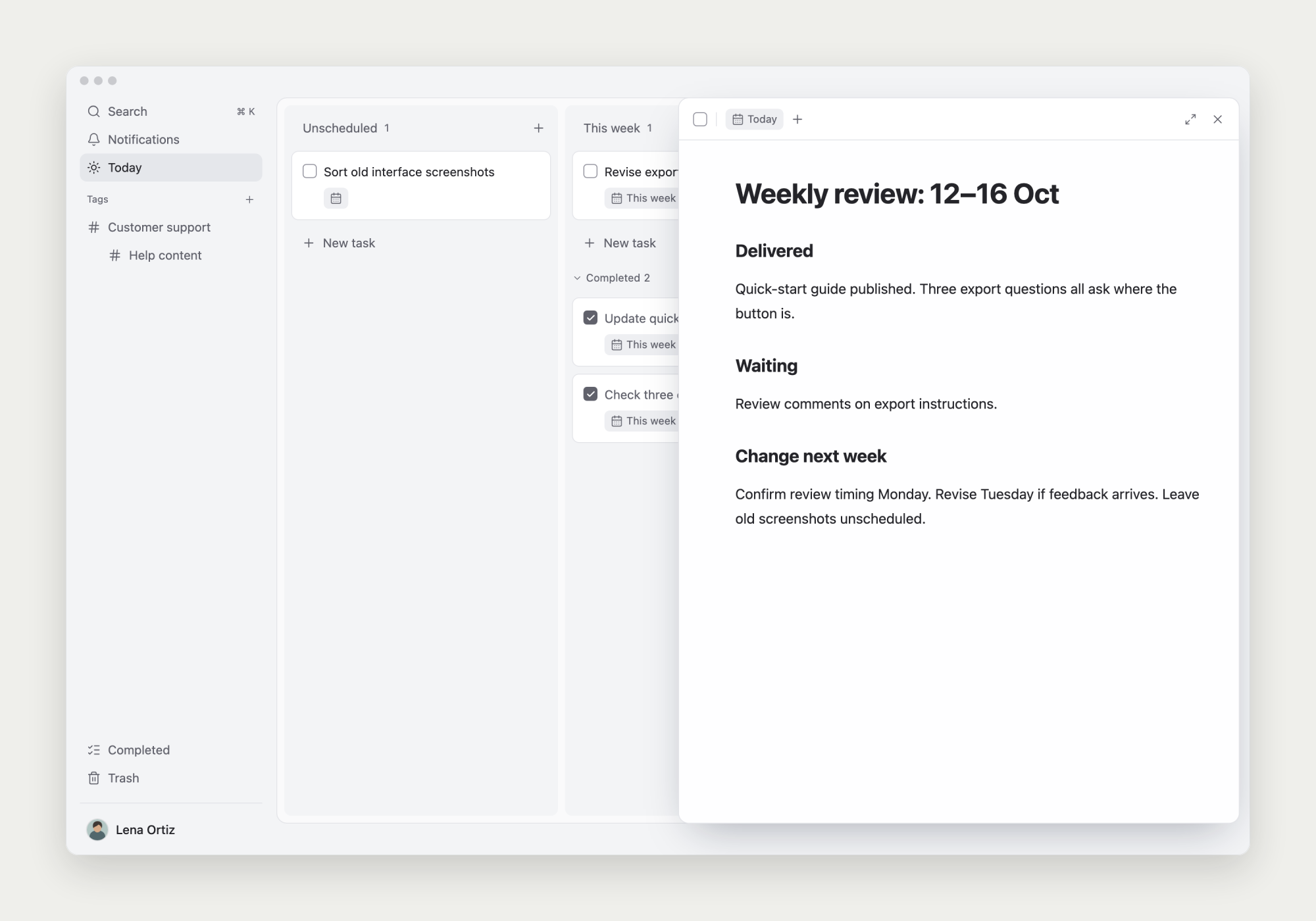
Check unfinished work and blockers
Review the board and project notes. Is the goal still relevant, is information missing, or does the task need a clearer next step?
Use the note to understand why. Schedule a specific follow-up for external confirmation and adjust work that is no longer needed.
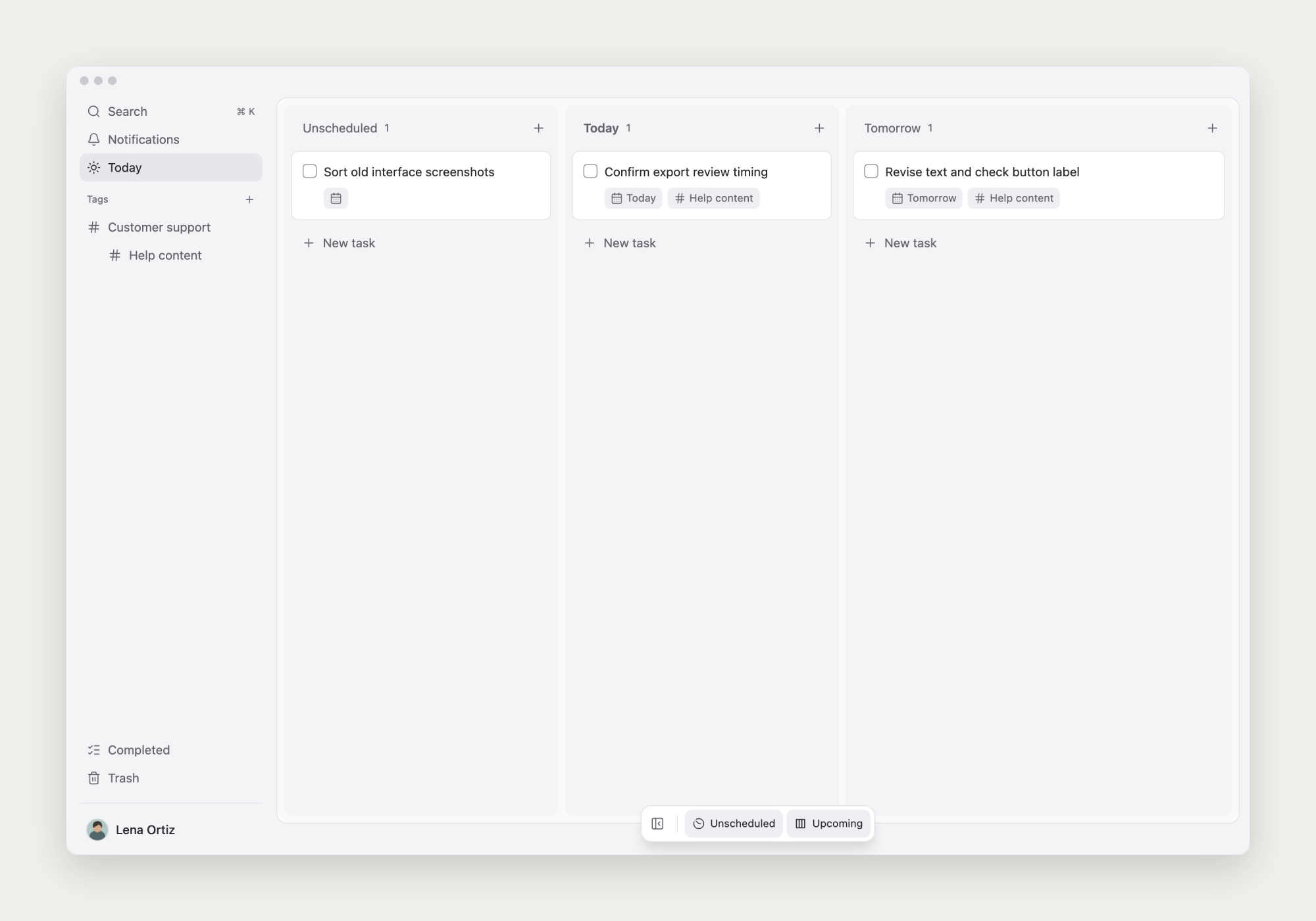
Turn conclusions into next week’s plan
Change start dates for continuing work and create tasks or subtasks for new actions. Schedule only the work you intend to move forward.
Keep the reasoning in the review note; use the board for the next actions.
A review outline you can use
Adapt the outline and link conclusions to specific tasks or materials. End with actions you can carry out.
What was completed this week?
- Results and related records

What remains unfinished?
- Progress and reasons

What should continue, change, or stop?
- Decisions and evidence

What comes first next week?
- Specific actions and start dates