Set dates and plan your work
Separate the day you intend to start from the deadline you need to meet.
On this page
Start dates and due dates
The start date determines when you plan to work and where the task appears on the board. The due date records the latest finish date.
If a proposal is due Friday and research begins Wednesday, use Wednesday as the start date and Friday as the due date. You can set only a start date when there is no deadline.
Set or change dates
Open the task’s date control, choose its dates, and save. Return here when plans change, or clear a date you no longer need.
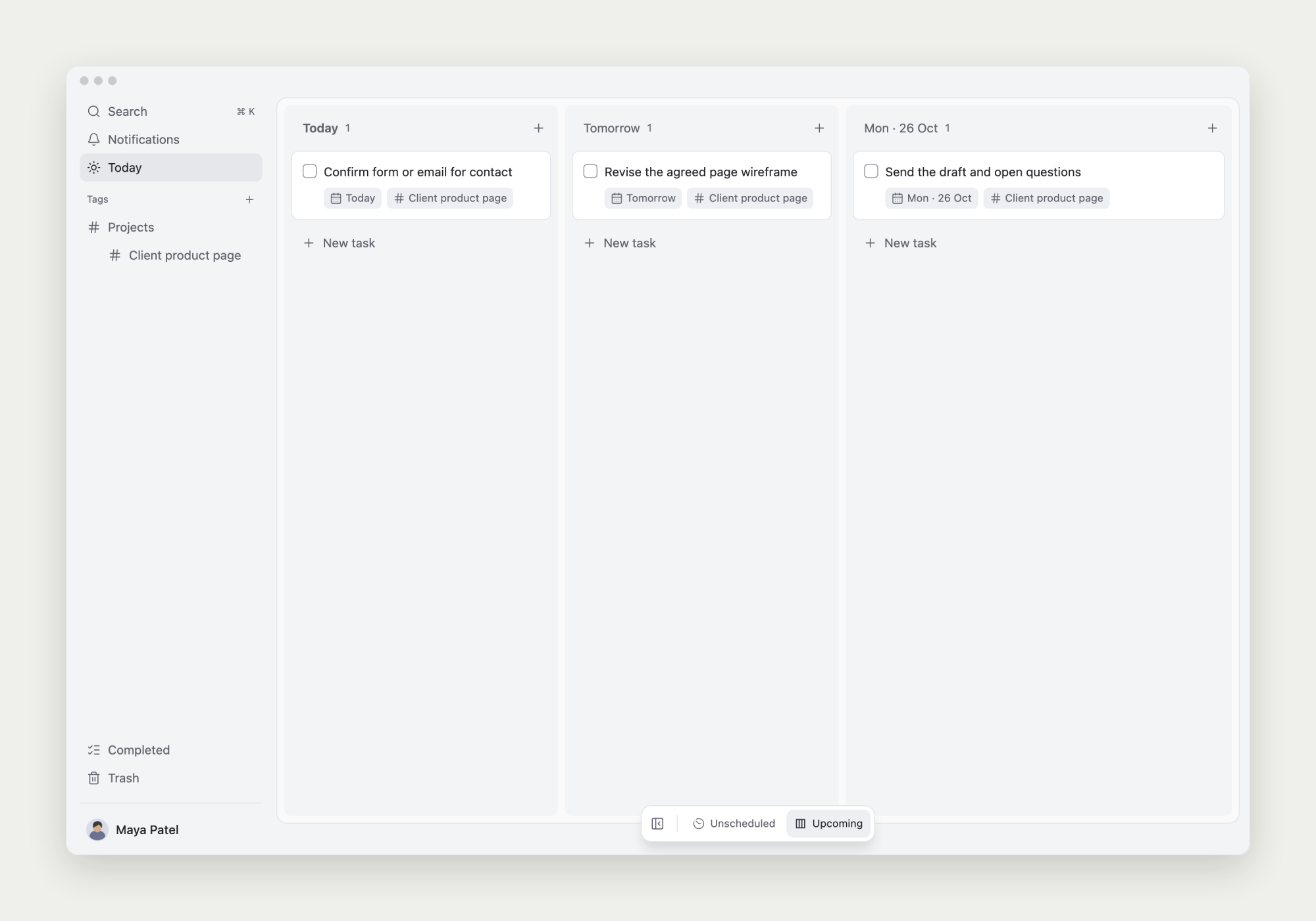
Tasks created directly in a date lane use that lane’s date. Subtasks follow their own start dates and do not inherit the parent’s date. See tracking subtasks on the board.
Keep undecided work in Unscheduled
Leave tasks without a planned start in Unscheduled. When planning your day, choose the work you’ll actually move forward and set its start date.
Use the controls at the bottom of the board to show Unscheduled or future date lanes.
Add a reminder when needed
Dates describe the plan; due reminders create notifications. After setting a due date, choose a reminder for that day or several days earlier.