Continue between web and desktop
Use one account for tasks and notes across devices, with the basics of installation, synchronization, and notifications.
On this page
Choose web or desktop
Use TodoNote in a browser or install the desktop app for Apple Silicon Mac or Windows x64. See Download for installers and current requirements.
Other devices can use the web app. Follow the platform-specific download instructions for installation and updates.
Sign in with the same account
The same account syncs tasks and notes across web and desktop. Check your connection and let edits and uploads finish before switching devices.
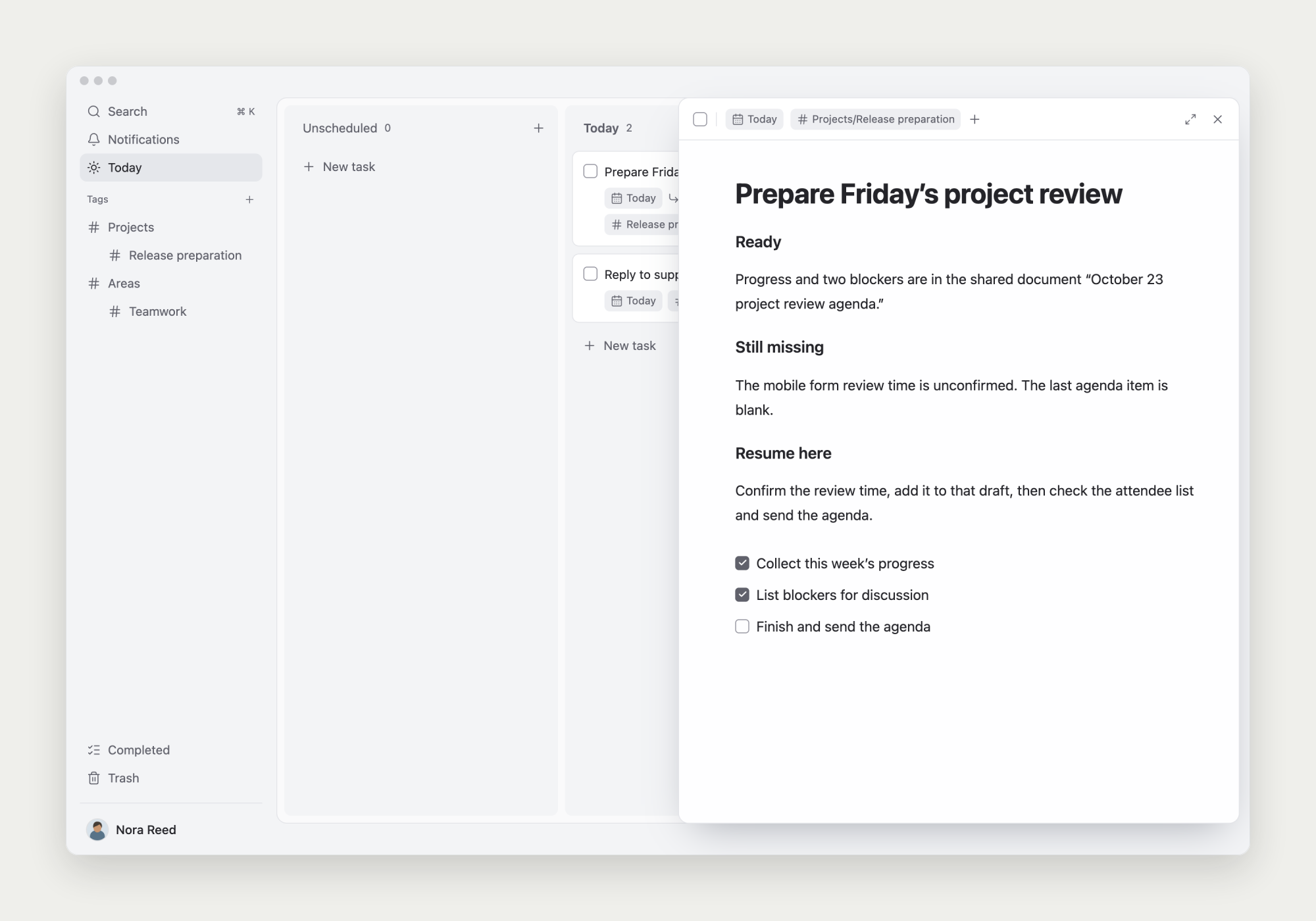
Open the same task on the other device to continue from its notes and subtasks.
If another device is missing changes
Confirm both devices use the same account, check the connection, and look for pending synchronization or uploads.
For persistent issues, contact [email protected] with the app version, operating system, and reproduction steps. Keep private notes, passwords, and tokens out of screenshots.
Use desktop for system notifications
The web app shows in-app notifications. Desktop also supports system notifications when permitted by the OS and the app window remains open.
Send a test notification and check Do Not Disturb. See Due reminders & notifications for details.