Use dates to decide what to do today and tags to find tasks by part of your life. Keep one task per action. A work task and a personal errand can appear in the same day’s plan while keeping separate notes and tags.
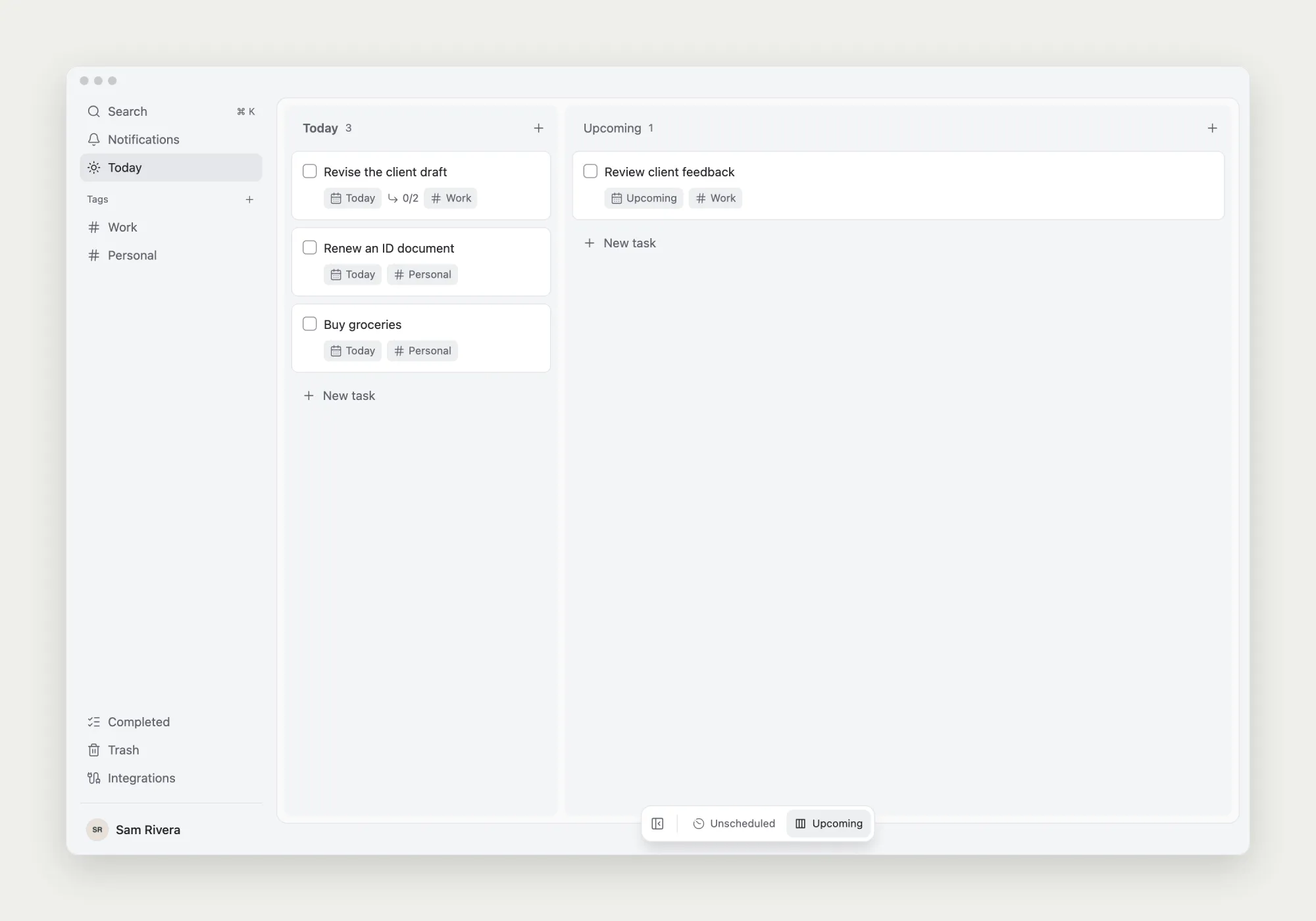
Sam has a client revision, a document renewal and a grocery run. Seeing all three before making a plan helps Sam leave time for the renewal. Later only the client work is relevant when looking up how a revision was handled.
Keep one plan for the time you actually have
Put on today’s board only the work you expect to start today. Record a deadline separately if the client or office has given you one. Tasks with no planned date can wait in your inbox until you’re ready to choose.
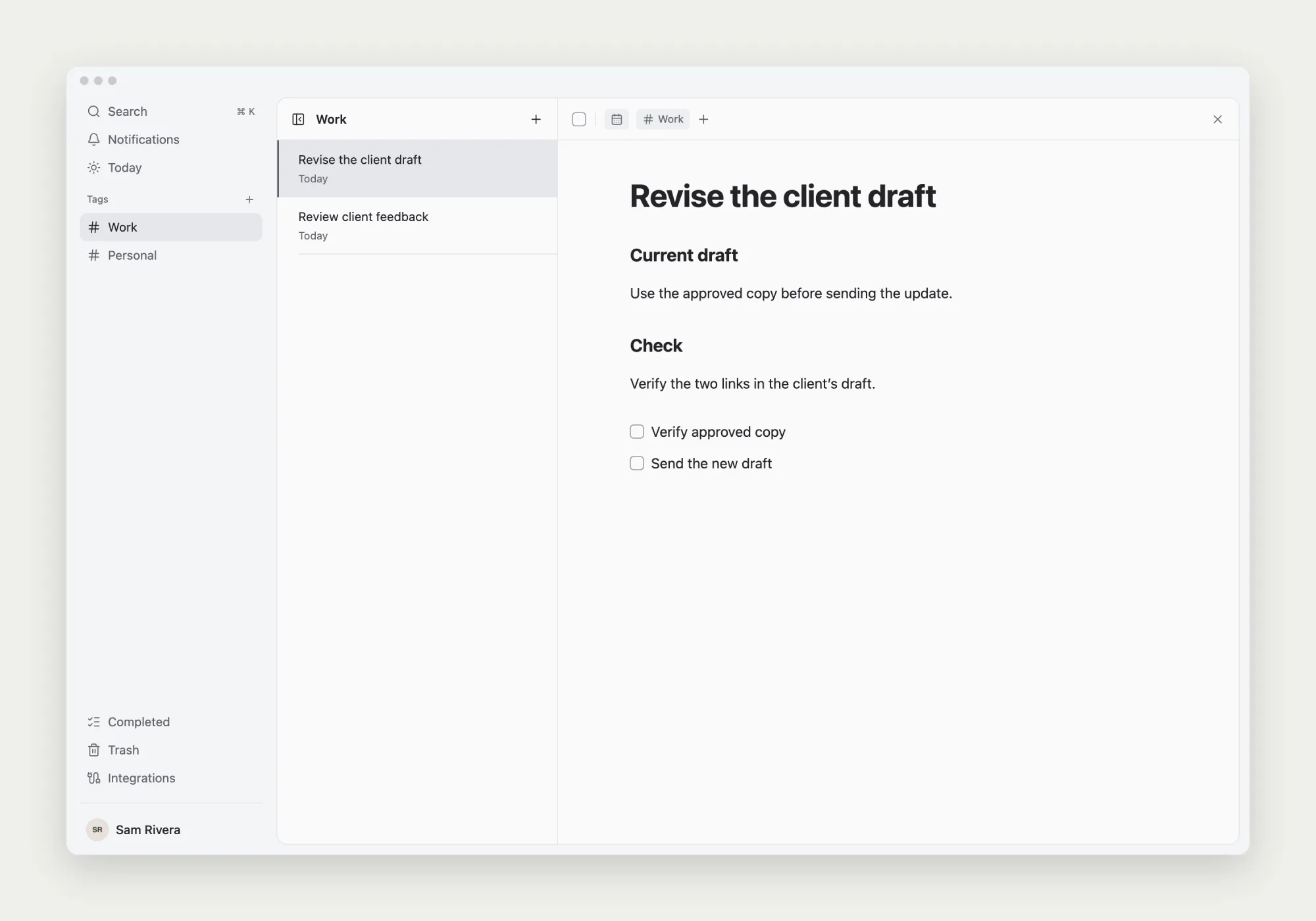
Create Work and Personal tags. Apply one to each task, then open either tag when you want to revisit material from that part of your life. A task’s note stays with the same task whether you open it through a date or a tag.
Plan a day with three different jobs
| Task | When to work | Tag | What to leave in the note |
|---|---|---|---|
| Revise the client draft | Morning | Work | Approved copy and current file |
| Renew an ID document | Lunch break | Personal | Appointment and documents to bring |
| Buy groceries | After work | Personal | List for the trip |
Try the two views with three tasks today
In TodoNote, create the two tags and give today’s tasks a start date. Look at the board to see the whole day. Open Work to find the client note and Personal to check the renewal details.
Add another tag when it describes a set of records you regularly need to look up. Keep the date for when you can do the work. That way a personal errand can move to tomorrow and still be easy to find under Personal.
At the end of the day, open the client task from its tag. If you can recover the approved copy without moving the task to a separate list, the two views are doing their jobs.
Organize note tags around what you need to find
References · Organize and retrieve work with tags · Plan a day’s work