Set the Notion database template to repeat on Monday and calculate Friday in a separate property. The repeat setting controls when the page is created. A due date tells you when its work should be delivered.
Set up the weekly template
Open the menu next to New in the database, create a template, then use its Repeat menu to schedule Monday creation. Add the same reporting prompts to the body so a fresh page arrives ready to fill in each week. Notion repeating database templates
Add a Created time property and keep its name as “Created time” to use the formula below. This property records when each page was created. Add a separate Formula property called “Calculated due.” Notion database properties
dateAdd(prop("Created time"), 4, "days")The formula adds four calendar days and preserves the creation time of day. A page created Monday at 9:00 shows Friday at 9:00. Use an editable Date property if Friday’s actual deadline must be set independently, for example to 5:00 p.m. Notion formula reference
Check the dates on two reports
| Report | Created | Calculated due |
|---|---|---|
| First week | Monday, November 16 | Friday, November 20 |
| Next week | Monday, November 23 | Friday, November 27 |
Leave the first report open while checking the next entry. A repeating template creates a new page on its schedule. Give each entry its own status and mark the earlier one complete when the report actually goes out.
If you generate a test page on a different weekday, the four-day offset changes the day it lands on. Test with a Monday occurrence to validate the intended schedule.
Keep the work and the handoff visible
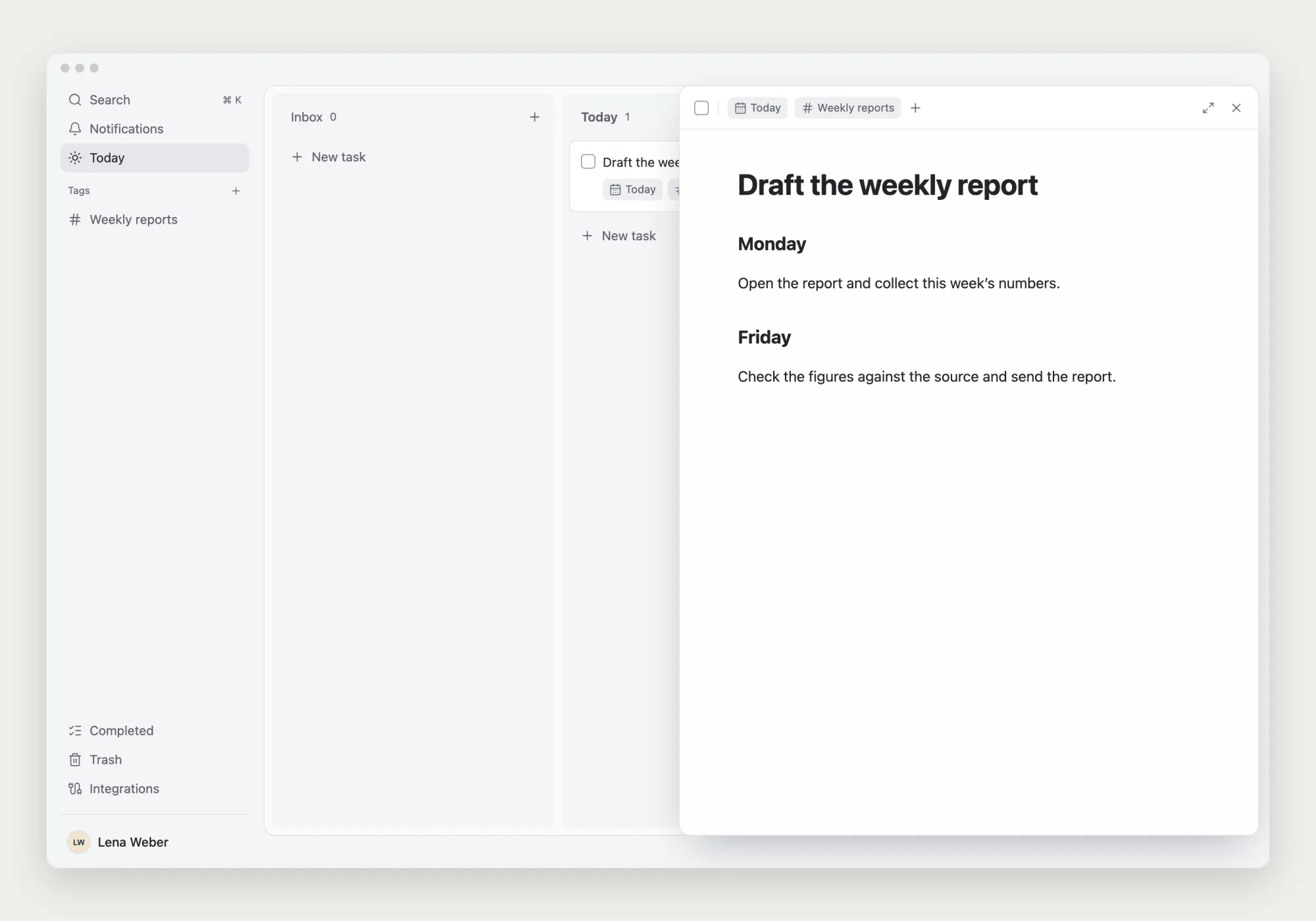
Lena opens Monday’s report, fills in the weekly figures, and puts Friday’s send on her task board. She keeps reporting notes in the draft so the next week’s page can start clean.
For a similar workflow in TodoNote, create the report from a weekly task template and set the deadline on the individual task. You can keep the Friday send as a separate action if it needs its own start date.
If a task needs to repeat only after the preceding one is completed, compare fixed-schedule and completion-based recurring tasks.