Use a fixed schedule for work tied to a meeting, a delivery cadence, or the calendar. Schedule from the last completion date when the gap between two actual runs matters. Imagine doing the task three days late and ask when the next one should fall.
A monthly schedule and a 30-day interval also produce different dates. One follows the calendar and the other counts days.
A late Friday report stays on Fridays
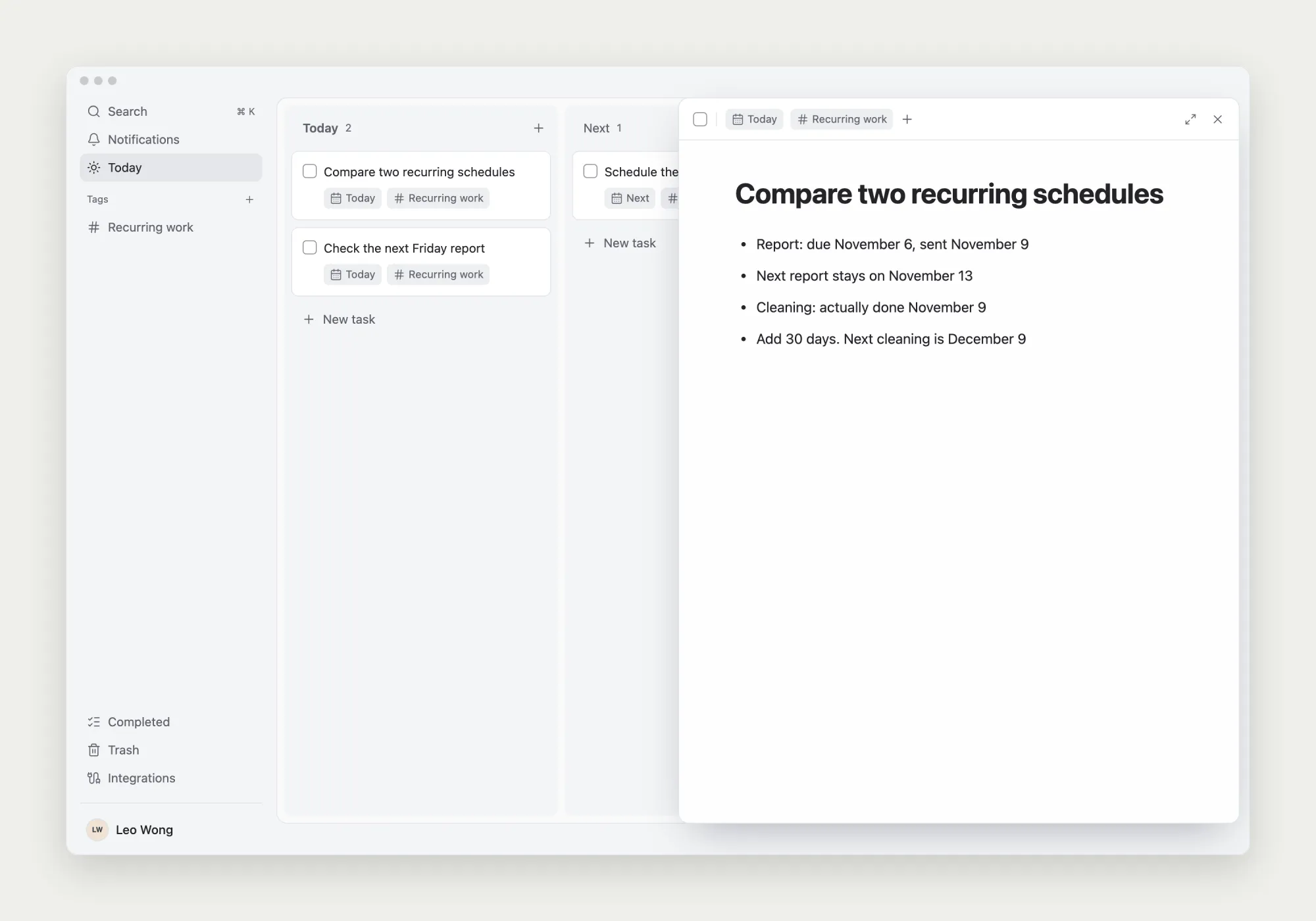
The Friday report due November 6, 2026 goes out on Monday, November 9. The people reading it still expect the next report on Friday, November 13.
Keep November 6 as the original plan and November 9 as the actual send date. Together they explain the delay without losing the recurring schedule.
The next interval begins at completion
A studio cleans a display cabinet every 30 days. The session planned for November 6 actually happens on November 9. Counting 30 days from the actual cleaning gives December 9.
| Work | Schedule anchor | Next date |
|---|---|---|
| Send the weekly report | Friday | November 13 |
| Clean 30 days after last completion | November 9 completion | December 9 |
If a recurring task also affects another person, write down who should hear about delays. For interval-based work, decide whether there is an interim check when a run slips.
Apply each rule in the task list
In TodoNote, set the report up as a weekly Friday recurrence. For cabinet cleaning, record when you actually finish and manually create the next dated task from that completion date.
Apps can handle overdue, skipped, and rescheduled instances differently. Check the next date when you first set up the rule and the first time an occurrence is late.
Leave a worked example with the rule
Write a sentence such as “If Friday's report goes out Monday, the next one is due the following Friday.” Someone taking over should be able to get the same date from the rule.
Technical reference · Todoist
Related reading · Recurring tasks: reuse the checklist, keep a separate record of each run