Put status, impact, reproduction conditions, and the next team action in Jira. Keep working hypotheses, attempts, and interim observations in a personal note tied to the issue. That gives you somewhere to resume and your teammates one current account of the work.
Use the issue key in the note title
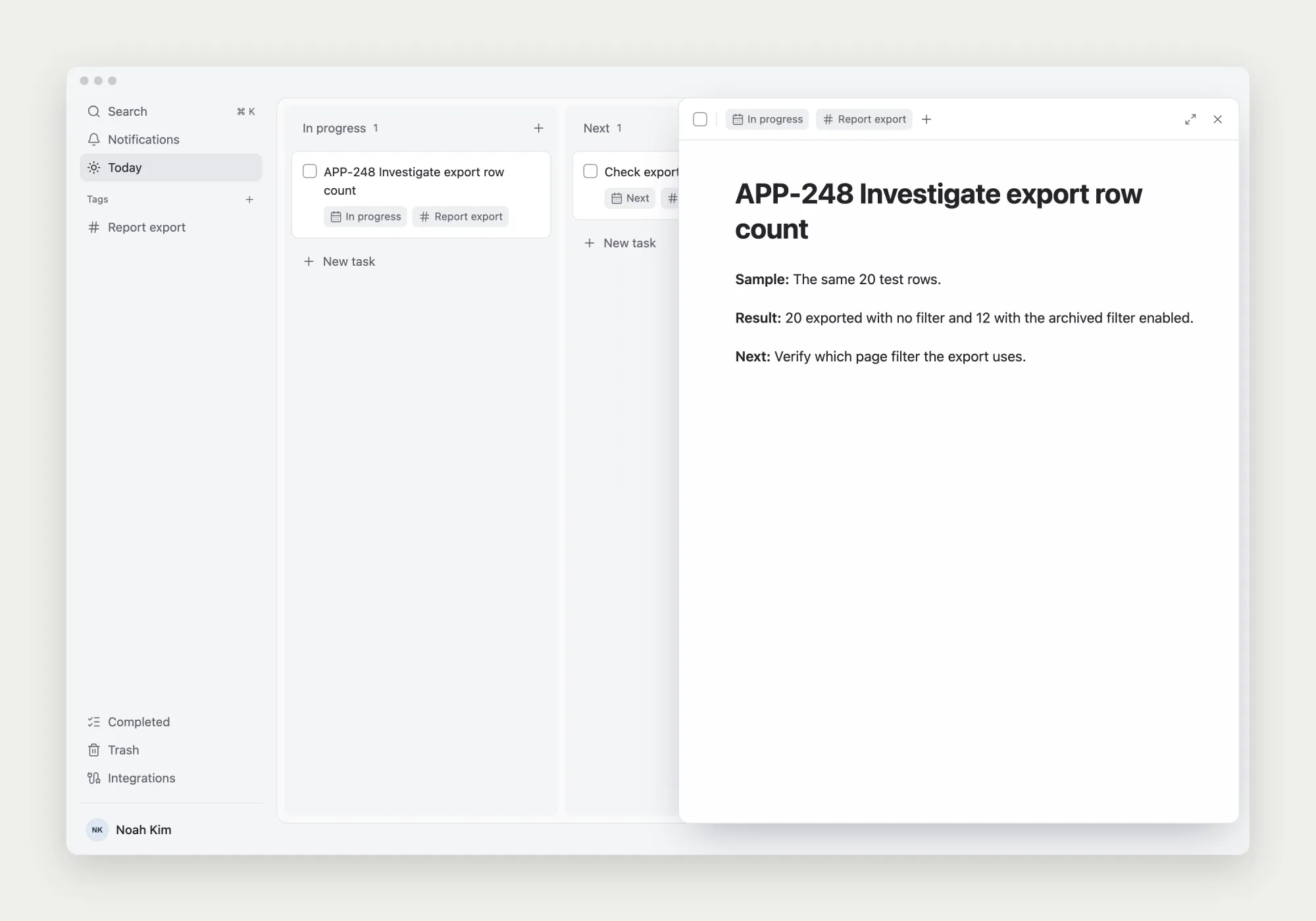
For a report export bug, create APP-248 Investigate export row count in TodoNote. Paste the Jira link at the top of the note so you can switch back without searching for the issue again.
If a note already exists for APP-248, append the new observation with its date. Keep team commitments and the assignee current in Jira. In your notes, record the context behind the work.
Record the test condition next to the result
Run two exports on the same 20-row test sample. One exports 20 rows without a filter. The other exports 12 when the archived filter is enabled. Write both outcomes down with the condition that changed.
Add the next test: verify which page filter the export uses. If you will run it tomorrow, give it its own task in TodoNote. Use test data and keep work materials in the locations your team has approved.
Post an update a teammate can act on
When a finding changes the way the team should handle the issue, summarize it in a Jira comment. Jira Cloud also lets you copy a link to a comment so your notes can point back to the shared update.
Try this wording: “Same 20-row sample. The export returned 20 rows unfiltered and 12 with the archived filter. Next I’ll check which filter the export request applies.” Someone else can repeat the test from that update.
Keep the two records in sync where it matters
If a detail changes ownership, priority, or delivery, update the issue. If it helps you avoid rerunning your own checks, put it in the note. Put materials needed for team reproduction somewhere the team can access and link them from Jira.
Before signing off, leave a next step in your note and the latest result in the issue. The issue key ties the two entry points together.
Atlassian's guide to Jira comments and links
Related guide · A Bug Report That Answers the Developer’s First Questions